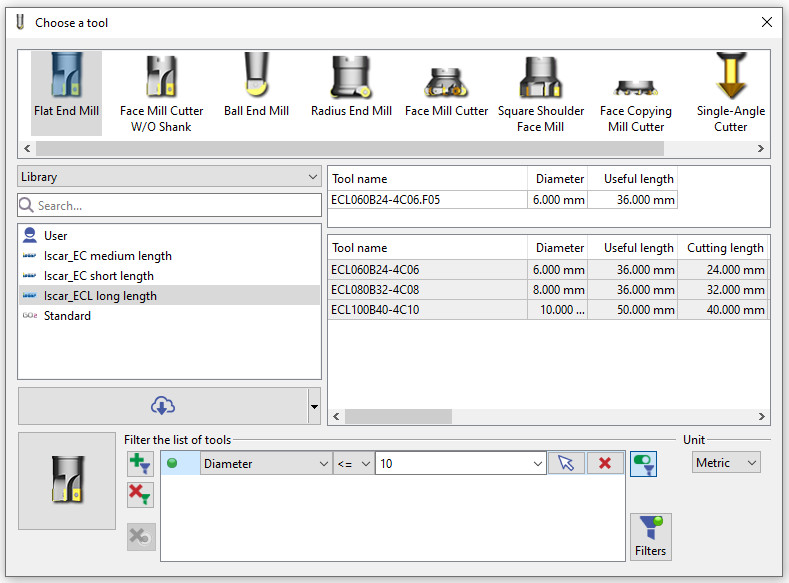
讓我們來解釋 如何定義和選擇刀具 在GO2cam中。
All the tools are available in 刀具庫 . This command is accessible when you create a new toolpath and enables to choose the tool for you cycle programming.
但刀具庫也可用於「 成型刀/刀庫 」環境,您可以在其中創建新刀具。
刀具庫 enables many actions:
-
顯示多個刀具庫:使用者庫、GO2cam預設庫以及從雲端下載的庫,
-
按不同標準排序和選擇刀具,
-
Accede to the 刀具頁面 to define the characteristics of the tool and its holder(s). In there you can modify a tool or create a new tool.
-
下載刀具 from our cloud libraries.
We can also 導入刀具 from tool-builder databases thanks to the standard GTC format file