定義

|
此指令允許在輪廓線上定義一個開放的挖槽。 |
|
By default, on selecting a profile, that profile is considered closed. As such, any machining carried out will be within or outside the profile. This can be easily detected as the 綠色 color of the profile line. |
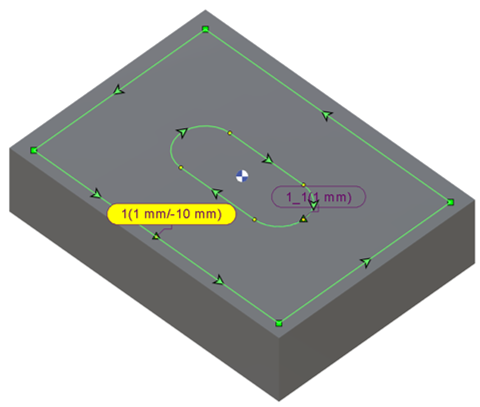
|
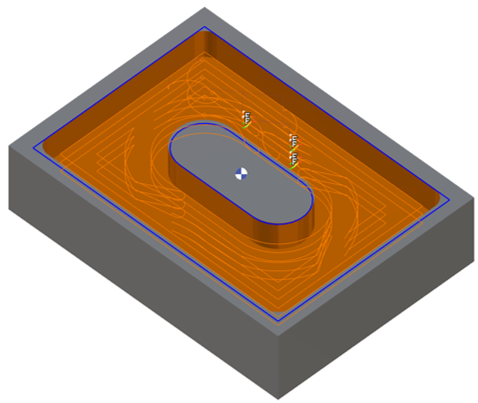
|
|
Using the command, the required profile elements can be manually selected one by one. The selected elements will turn 紫色 , indicating that they are considered open sections of the profile. The cutting tool will enter and exit the workpiece at these open sections. |
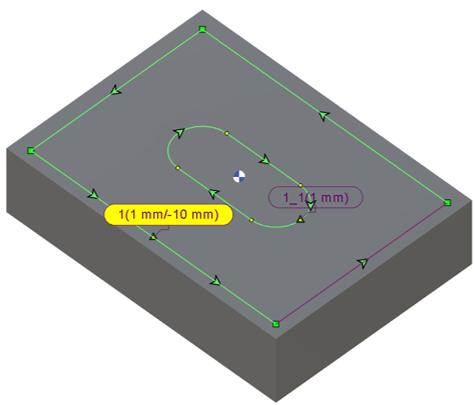
|
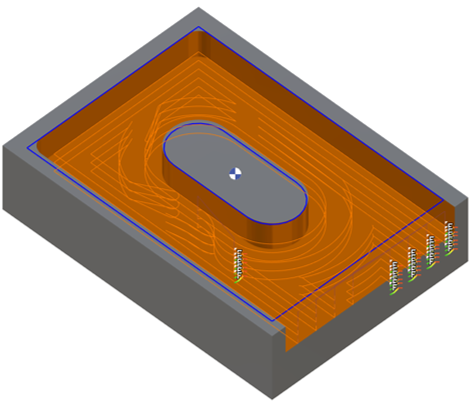
|
|
如果需要,可以點擊選擇氣泡將整個輪廓變成紫色,從而將其指定為完全開放的輪廓。 |
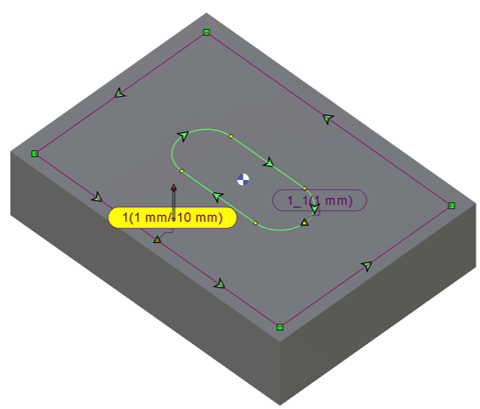
|
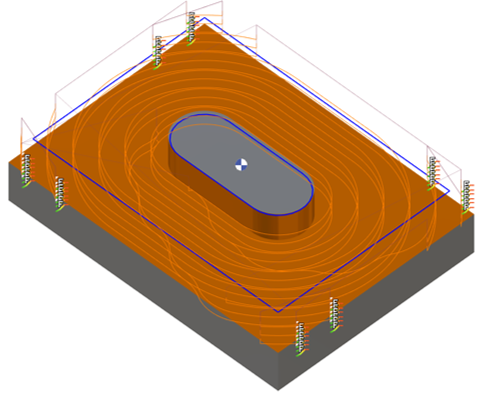
|
|
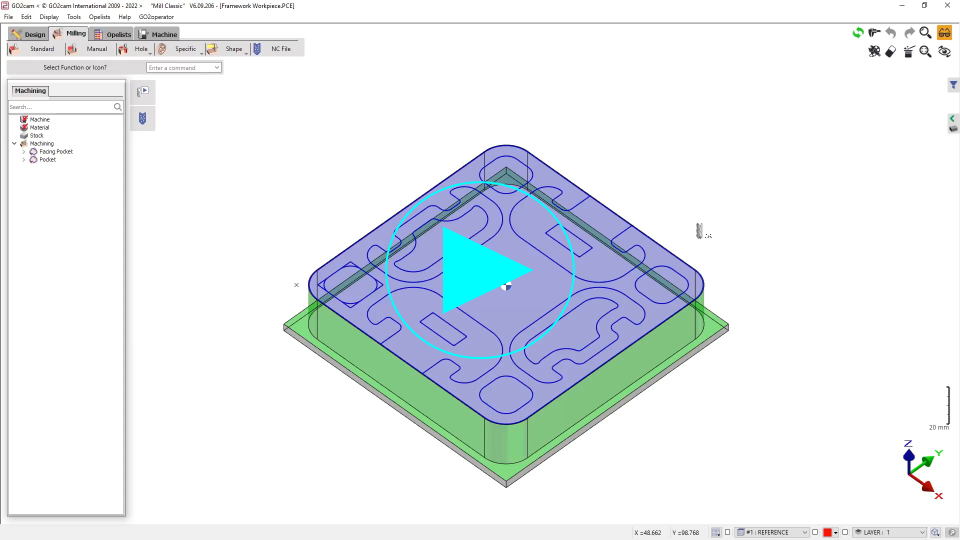
關閉開放挖槽特徵(局部或全部)的新可能性 「輪廓上的開放區域」功能現在也納入了特徵的考量。 這有助於降低刀具碰撞的風險。 要關閉特徵的一個元素,只需點擊特徵對應的面。 與輪廓線類似,無需單獨選擇每個元素即可修改整個區域的狀態。
與輪廓線相比有一個限制——只有特徵中最初開放的元素才能被關閉(並在需要時重新打開)。如果一個面無法修改,它將顯示為 紅色 當滑鼠懸停時。 |

|

|
|