有效长度
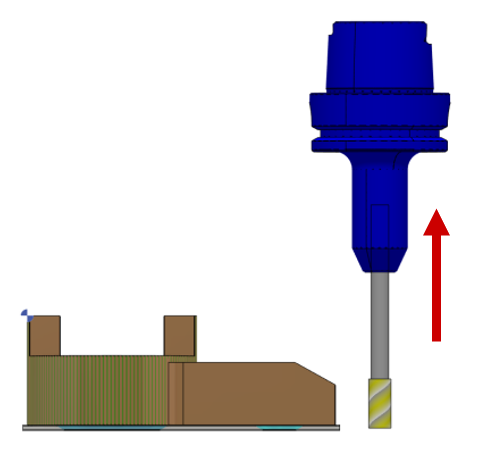
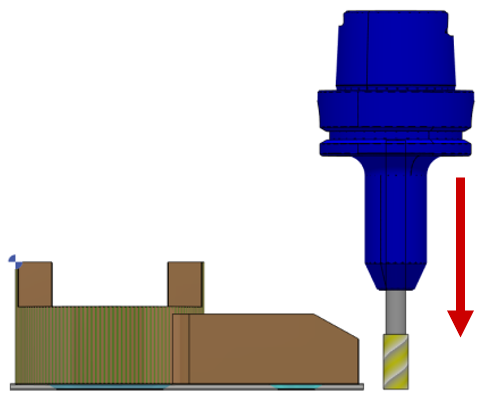
有效长度可以 增加 或 减小 通过移动刀架位置。
我们可以使用以下方法:
方法一
|
使用 向上箭头 键或 + 键来增加有效长度。 |
|
|
使用 向下箭头 键或 - 键来减小有效长度。 |
|
方法二
Access the tool page to modify the value of the useful length at [1] .
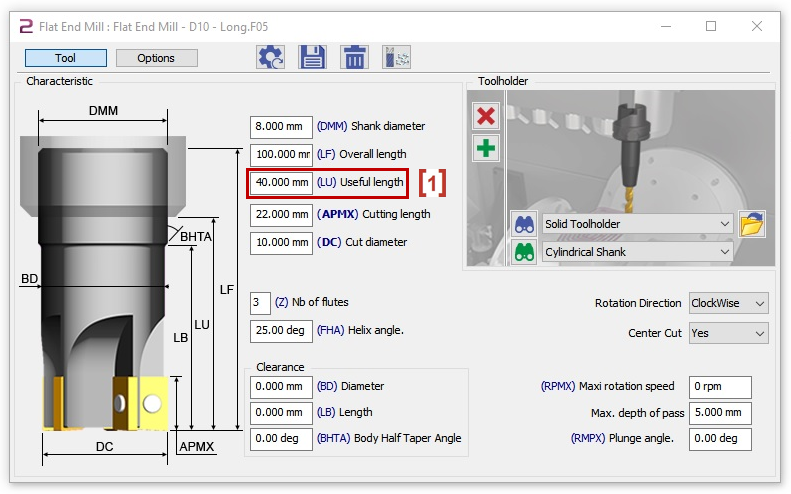
您应该 重新计算 每次更改有效长度时。
|
|
您可以观看关于如何更改有效长度的视频: 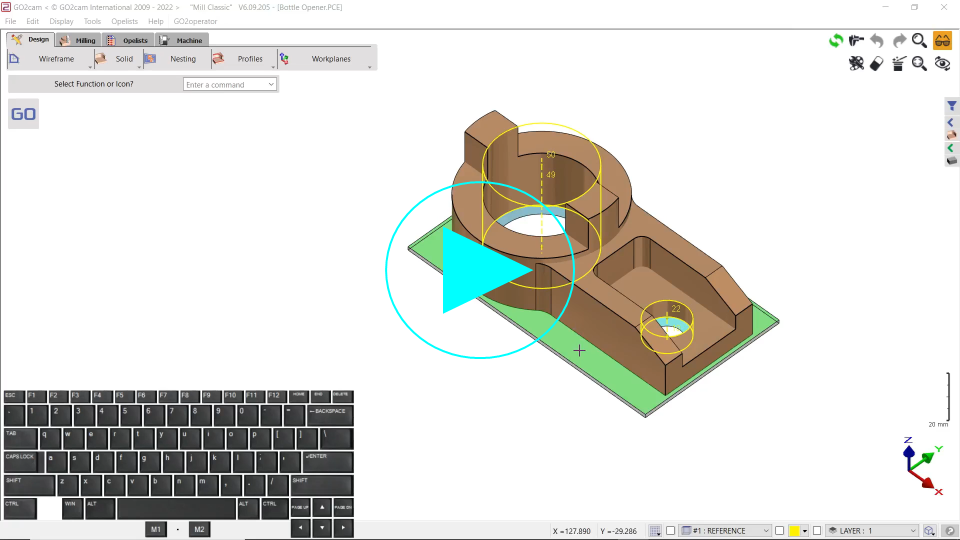
|

切削直径
切削直径可以 增加 或 减小 通过修改切削直径。
我们可以使用以下方法:
方法一
|
使用 向右箭头 键或 * 键来增加切削直径。 |
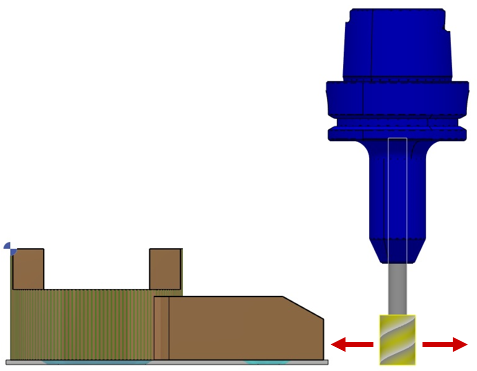
|
|
使用 向左箭头 键或 / 键来减小切削直径。 |
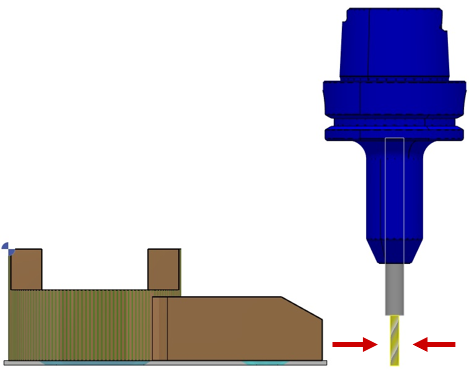
|
方法二
Access the tool page to modify the value of the cut diameter at [1] .
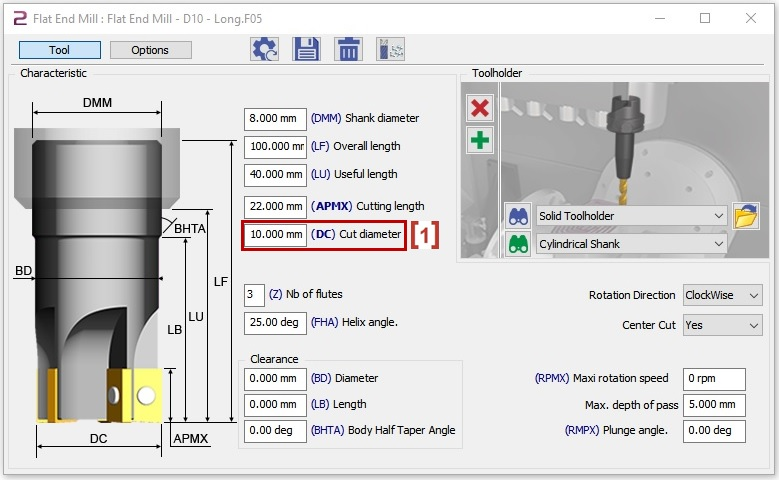
您应该 重新计算 每次更改切削直径时。
|
|
您可以观看关于如何更改切削直径的视频:
|